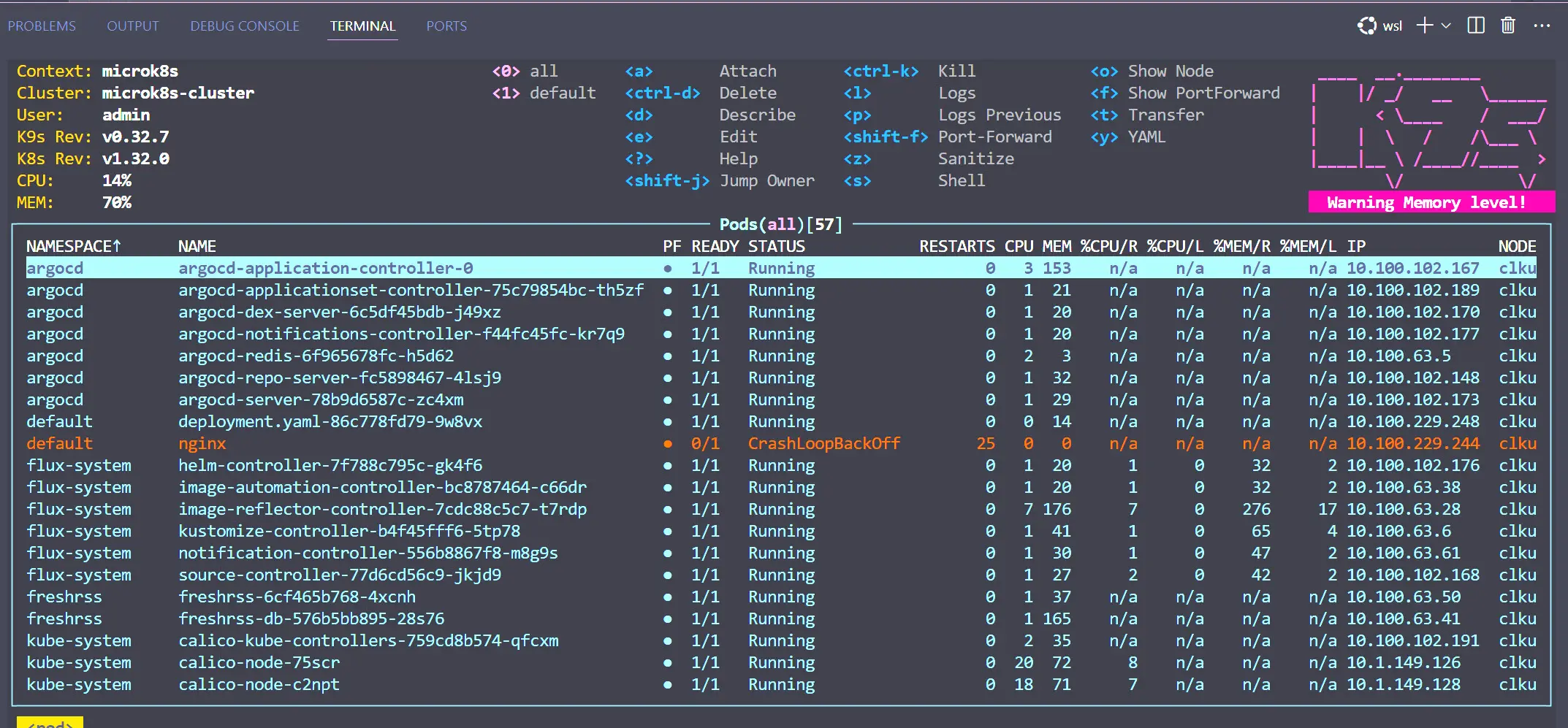
The K9s tool is a command line based UI that allows you to manage your Kubernetes clusters. While it operates from the command line, it gives you a GUI-like experience to manage your K8s clusters. It shows you changes and information in real-time as you are using the tool.
It is a great tool that I really like managing things from the command line with a quick interface and ease of hopping around looking at different aspects of your cluster.
[](https://www.virtualizationhowto.com/wp-content/smush-webp/2025/01/k9s-managment-tool-for-managing-kubernetes-1.jpg.webp)
K9s is easy to get up and running in Ubuntu with the following:
```
## Download
wget https://github.com/derailed/k9s/releases/download/v0.32.7/k9s_linux_amd64.deb
## Install k9s
dpkg -i k9s_linux_amd64.deb
```